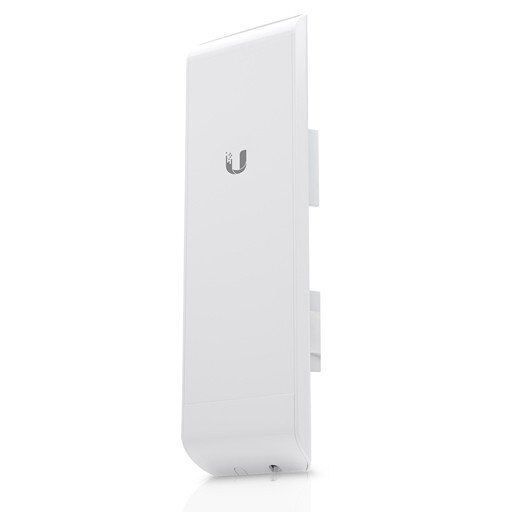
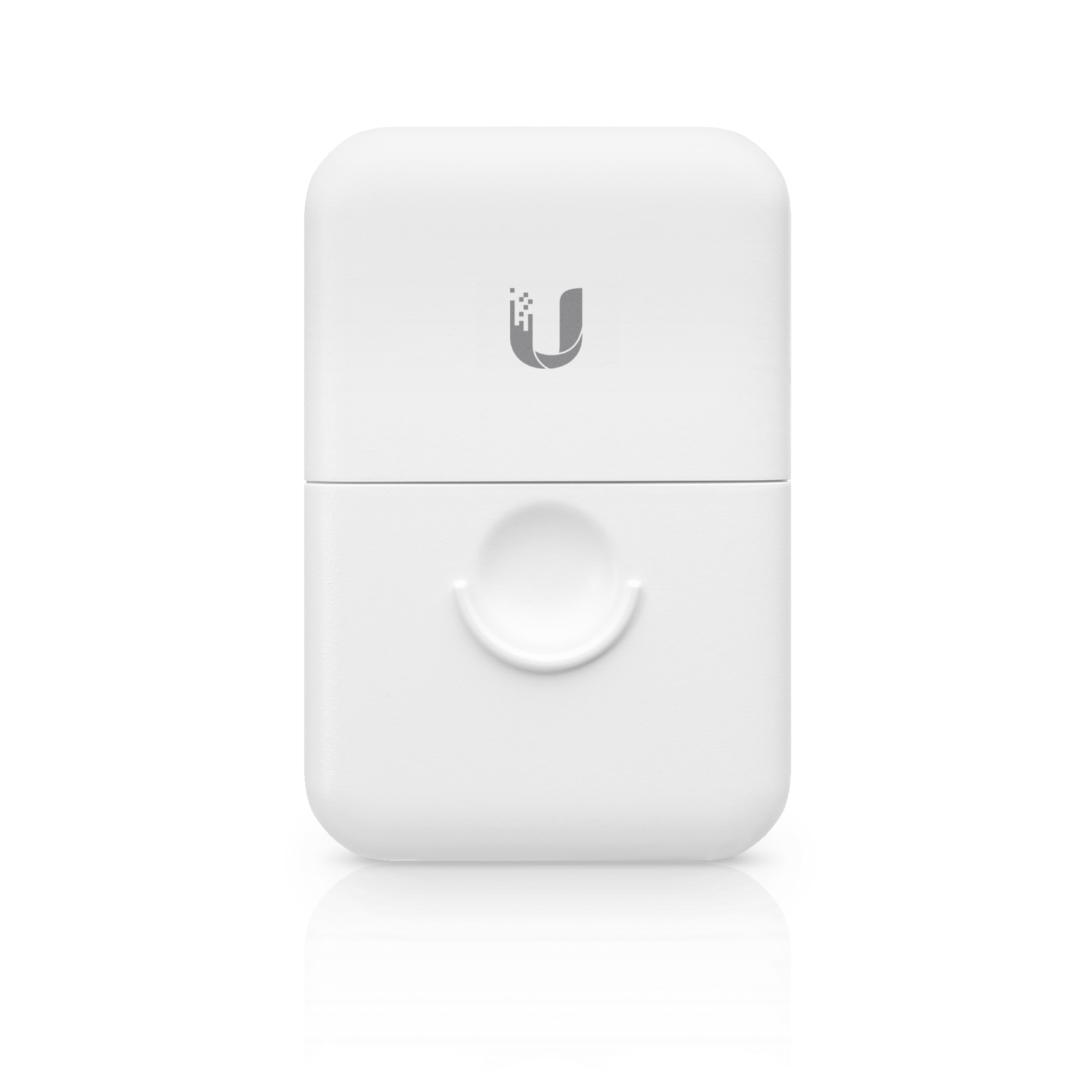
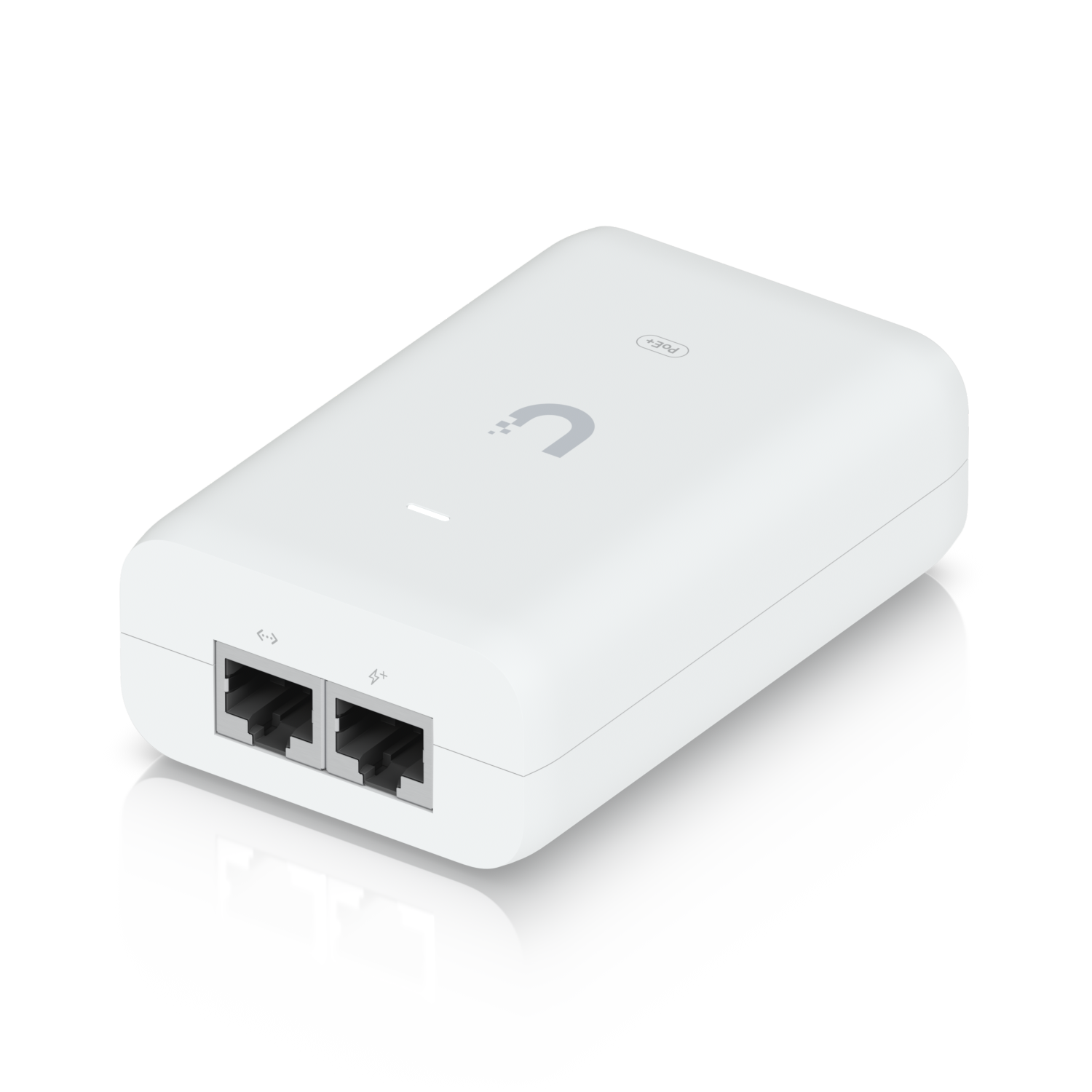
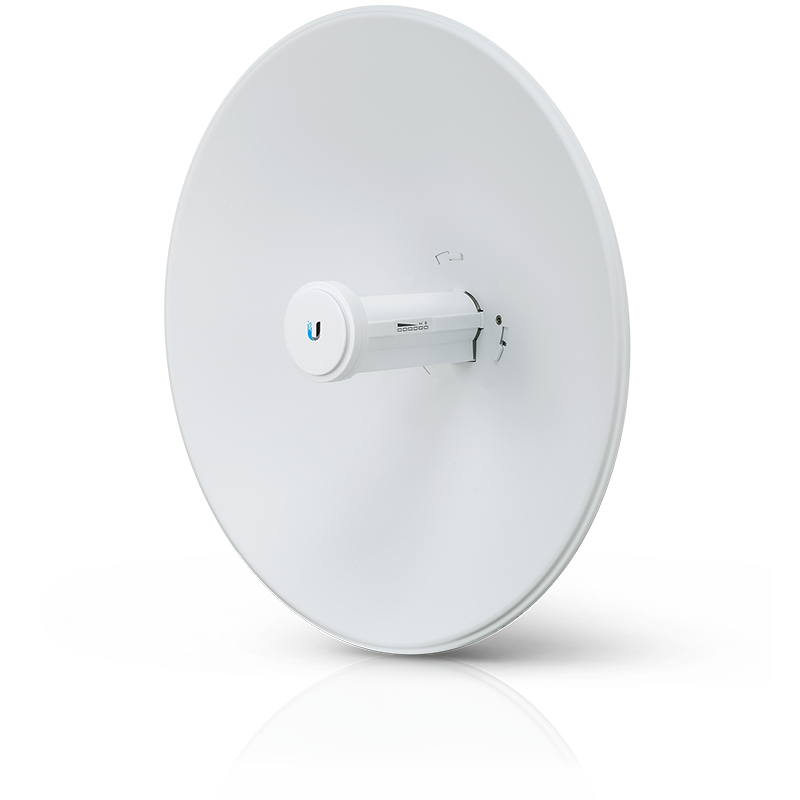
Description Ubiquiti NanoStation M2 (NSM2): The Legacy 2.4GHz Workhorse Overview and Introduction The Ubiquiti NanoStation M2 (NSM2) is a compact, versatile 2.4 GHz wireless radio that became a foundational device for Ubiquiti’s airMAX platform. While considered a legacy product, its durability, simplicity, and performance in the 2.4 GHz band have made it a enduring tool for specific applications. It features a built-in antenna with a unique 120° sector-like coverage pattern, allowing it to function effectively as both a client device (CPE) and an access point. Its key feature is its operating frequency. As a 2.4 GHz device, it provides better signal penetration through obstacles like trees and walls compared to 5 GHz equipment, a crucial advantage in certain non-urban environments. Key Features at a Glance 2.4 GHz Frequency: Superior signal penetration for challenging environments with light obstructions. Versatile Form Factor: Compact, all-in-one design with a built-in 13 dBi antenna. Dual-Function Mode: Can operate as an Access Point (AP) for multiple clients or a Station (Client) for a single connection. Tough Design: Outdoor-rated (IP55) metal housing for long-term durability. Simple Mounting: Included twist-and-lock pole mount for easy installation. Cost-Effective Legacy Solution: An affordable entry into Ubiquiti’s ecosystem for basic connectivity needs. Full Technical Specifications Category Specification Model NanoStation M2 (NSM2) Networking Interface (1) 10/100 Ethernet Port Wireless Technology airMAX (MIMO) Frequency Band 2.400 – 2.4835 GHz (2.4 GHz) Max. Power Consumption 4W Power Supply 24V, 0.5A Passive PoE Adapter (Included) Power Method Passive Power over Ethernet (PoE) Integrated Antenna 2×2 MIMO, 13 dBi Horizontal Beamwidth 120° Vertical Beamwidth 20° Max. TX Power 23 dBm Processor Atheros MIPS 74Kc, 400 MHz Memory 32 MB DDR RAM Mounting Twist-and-Lock Pole Mount (for 1.5-2.5″ poles) Weight 0.38 kg Dimensions 195 x 130 x 45 mm Operating Temperature -30°C to 80°C Ingress Protection IP55 Performance and Real-World Use What is the NanoStation M2 (NSM2) Used For? Legacy WISP Deployments: Connecting customers in older 2.4 GHz wireless networks. Point-to-Point (PtP) Links: Creating short to medium-range wireless bridges (e.g., between two buildings on a campus under 2-3 km). Point-to-MultiPoint (PtMP) Client: As a client device to connect to a 2.4 GHz base station. Wireless Video Surveillance: Linking IP cameras back to a network recorder where running cable is difficult. IoT and Telemetry Backhaul: Connecting remote sensors or industrial equipment that only require moderate bandwidth. Throughput and Range Throughput: As an 802.11n (airMAX) device, real-world throughput typically ranges from 60-80 Mbps in ideal conditions. Range: As a PtP client, reliable links can be established up to 5-10 km with a clear line-of-sight. The range is highly dependent on the paired device at the other end. Critical Consideration: The 2.4 GHz band is often congested. It has only three non-overlapping channels (1, 6, 11) and is shared with Wi-Fi routers, Bluetooth devices, and microwave ovens. This can lead to interference and performance degradation in urban or densely populated areas. Setup and Installation Guide What’s in the Box? NanoStation M2 Unit Pole Mount Kit 24V Passive PoE Injector Quick Start Guide Step-by-Step Process: Mounting: Attach the mount to a pole (1.5-2.5 inch diameter) using the included vinyl strap. The twist-and-lock design allows for easy positioning. Connect Cables: Use the included Passive PoE injector. Connect the POE port to the NanoStation and the LAN port to your network or computer. Warning: This device uses 24V Passive PoE. Do not connect it to a standard 802.3af/at PoE switch port, as it will cause damage. Power On: Plug the PoE injector into a power outlet. Find and Configure: Set your computer’s IP address to 192.168.1.10. Open a web browser and go to http://192.168.1.20. Log in with the default credentials (ubnt for both username and password) and change them immediately. Align the Antenna: In the airOS interface, go to the Main tab. Use the Signal Strength (RSSI) indicator. Adjust the device while monitoring the RSSI. A value closer to 0 is better (e.g., -55 dBm is stronger than -75 dBm). Configure Wireless Mode: Station: To connect to an existing Access Point. Select the SSID and enter the password. Access Point: To create your own network for other clients to connect to. Set an SSID and security (WPA2-AES recommended). Conclusion: The Ubiquiti NanoStation M2 (NSM2) is a testament to robust, simple design. While it has been superseded by faster 5 GHz and Wi-Fi 6 technology for primary internet access, it retains significant value in niche applications. Its ability to penetrate light obstacles and its affordability make it a capable solution for specific PtP links, wireless backhauls for low-bandwidth devices, and maintaining legacy infrastructure. For anyone needing a reliable, no-frills wireless bridge in the 2.4 GHz band, the NSM2 remains a dependable, if somewhat dated, workhorse.